
Version:
All currently supported versions
Resolution:
From Web Access, go into the user settings and click on the Data Source tab, Export, and uncheck "Use Multipage Files". Click on Save and retry the export. 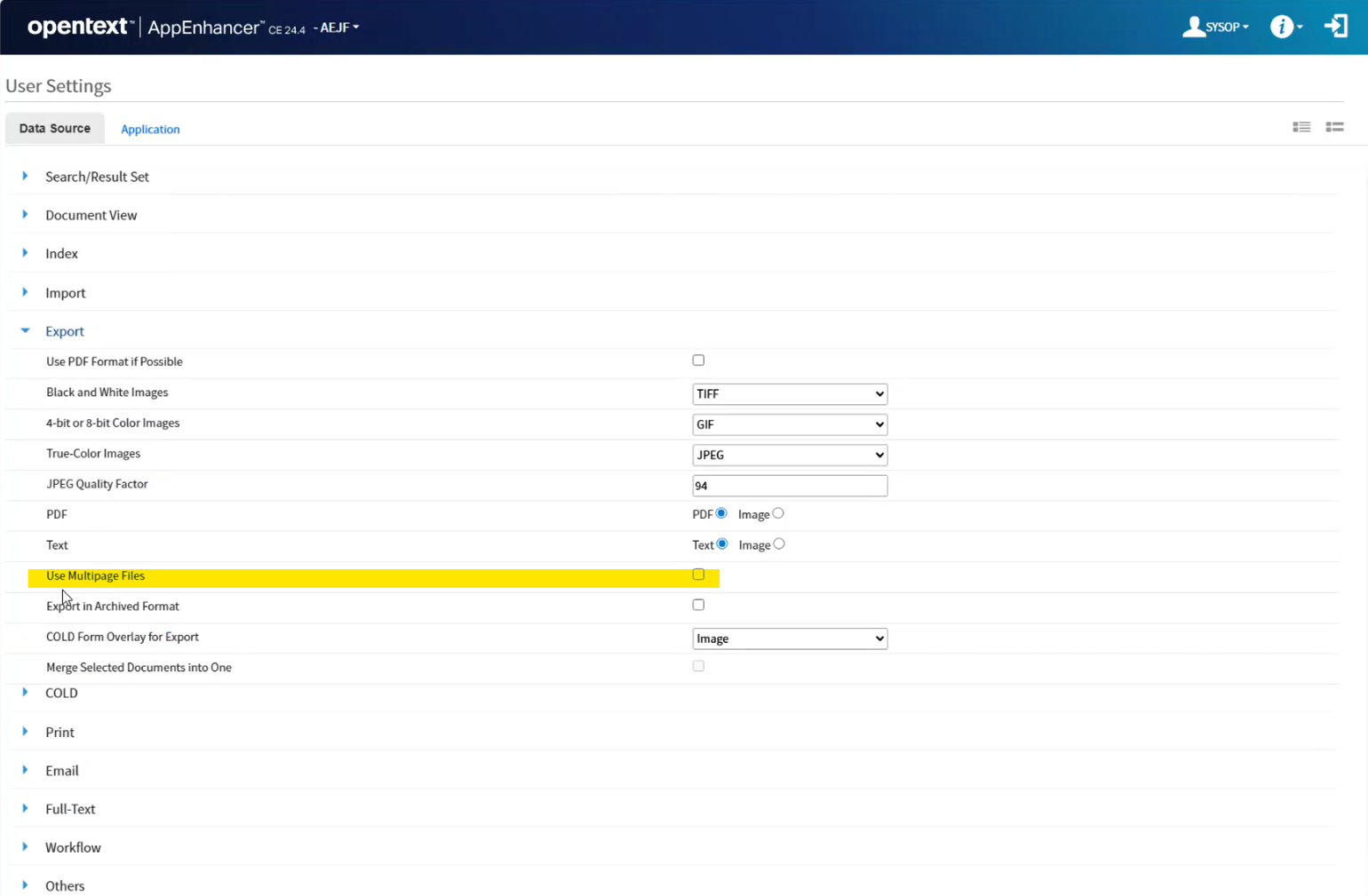
Version:
All currently supported versions
Resolution:
From Web Access, go into the user settings and click on the Data Source tab, Export, and uncheck "Use Multipage Files". Click on Save and retry the export.