
Versions:
All versions using SSO
Reslotuion:
1. Backup the web.config file for Web Access
2. After installing the new certificate, go to details and obtain the new thumbprint and replace it with the one in the web.config file.
3. Restart IIS
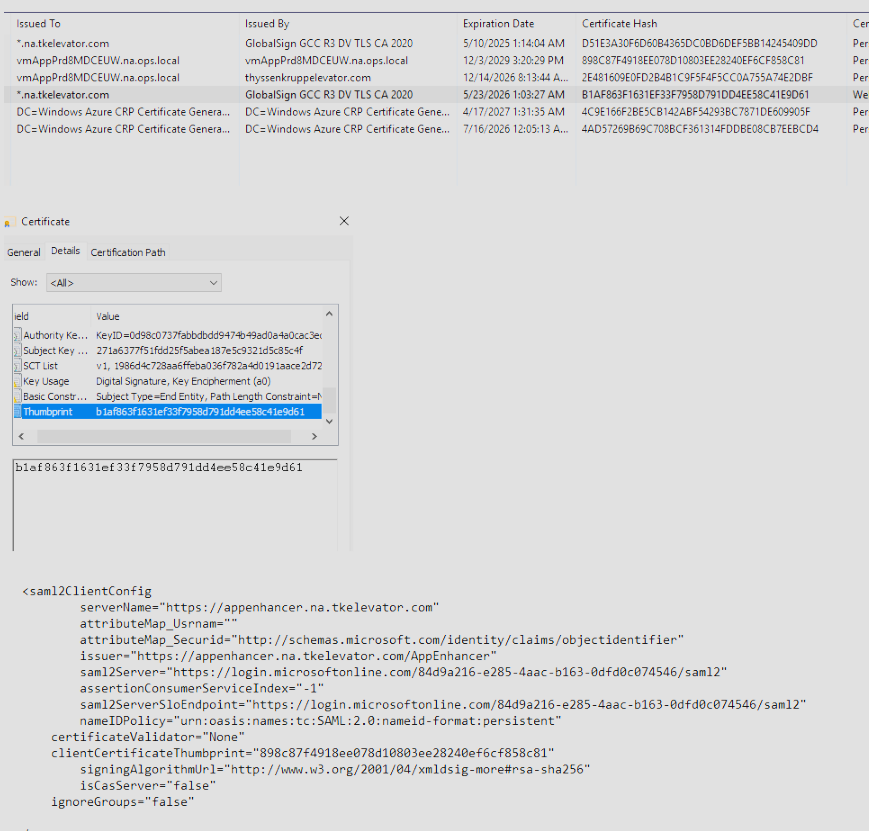
If there are any issues, please revert to the old web.config file and open a ticket with support for assistance.