
Version:
All Supported Versions 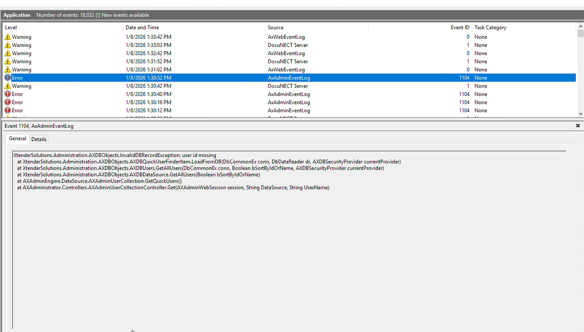
Resolution:
In the database, there is a row in the ae_login table that contains all null values. You will need to locate that row and remove it after backing up the table and database.
1. Backup your SQL Database
2. In the AppEnhancer database, locate the ae_login table
3. In the ae_login table, locate a row that contains all Null values for each field
4. Remove/Delete the row
5. Test viewing users and adding a role