Applies to Versions:
7.5 - 8.0
Issue:
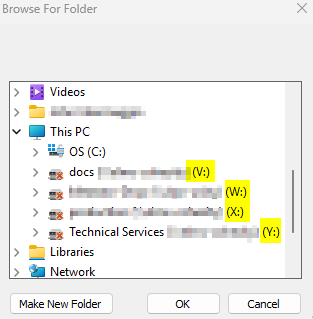
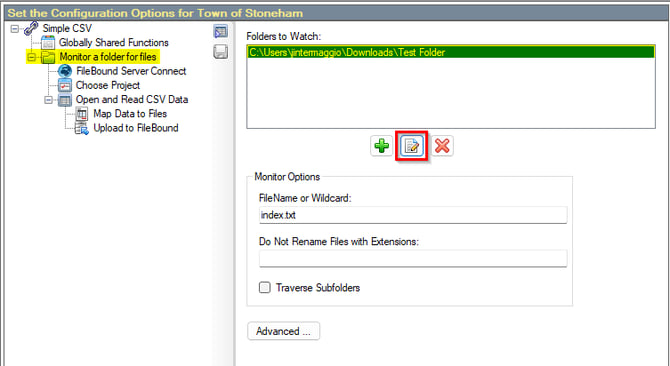
Can't see any of your mapped network drives in the browse screen to select a network watch folder.

Resolution:
To show your network drives in the browse window do the following.
- Open your registry editor in admin mode.
- Backup your registry
- Browse to \HKEY_LOCAL_MACHINE\SOFTWARE\Microsoft\Windows\CurrentVersion\Policies\System
- Create new DWORD Value and name it EnableLinkedConnections
- Set the Value Data to 1
- Reboot
You should now see all of your drives listed